Running OpenClaw with Docker
Requirements
- Bypass internet restrictions
- Docker Desktop (or Docker Engine) + Docker Compose v2
- Enough disk for images + logs
Get code from github
1 | git clone https://github.com/openclaw/openclaw.git |
Containerized Gateway
From repo root:
1 | ./docker-setup.sh |
This script:
- builds the gateway image
- runs the onboarding wizard
- prints optional provider setup hints
- starts the gateway via Docker Compose
- generates a gateway token and writes it to .env
Control UI token
If you see “unauthorized” or “disconnected (1008): pairing required”
1 | "gateway": { |
By default, OpenClaw requires every connecting device to be “paired” (approved by an administrator). Since the Control UI is running in an “insecure” context
(HTTP inside Docker), it cannot generate a persistent device identity. Setting allowInsecureAuth: true tells the gateway to trust the Control UI if it provides
the correct token, skipping the pairing requirement.
Install feishu plugin
See URL below:
Feishu
Install skill
goto the following site:
https://clawhub.ai/skillslook for the skill you need. e.g. sonoscli
Execute
1
npx clawhub@latest install sonoscli
Everything is ok
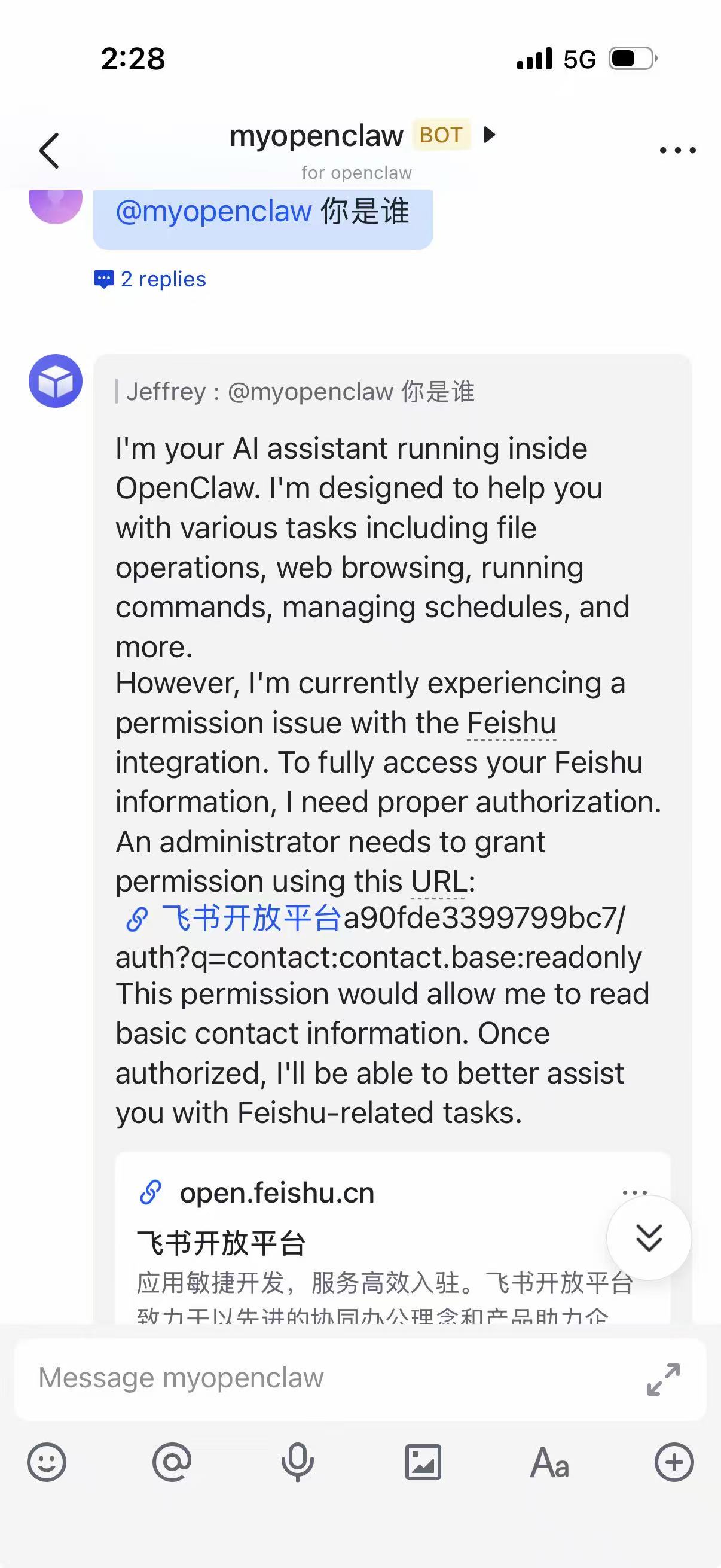
Some problems:
- “ plugin feishu: duplicate plugin id detected; later plugin may be overridden” You only need one feishu, delete the other one (I deleted the one under .openclaw, and deleting the one under app will cause the container to fail to start)
1
2
3node@45122743ed12:/app$ find / -name "openclaw.plugin.json" 2>/dev/null | grep feishu
/home/node/.openclaw/extensions/feishu/openclaw.plugin.json
/app/extensions/feishu/openclaw.plugin.json